

Google Pay™
Learn how to accept Google Pay™ through Drop-in/LinkPay. Google Pay is currently supported only by Drop-in/LinkPay and is not available for Direct API.
Prerequisite
The recommended way to enable Google Pay is via Drop-in/LinkPay integration. Once Drop-in / LinkPay is integrated, you can enable Google Pay via configuration.
Please refer to the Drop-in/LinkPay integration guide:
https://developer.evonetonline.com/docs/drop-in-integration
https://developer.evonetonline.com/docs/linkpay-integration-step
Introduction
Google Pay is a digital wallet and payment service from Google that allows users to make fast, simple, and secure online, in-app payments using cards saved to their Google Account.
When customers choose Google Pay, they can complete the payment quickly without manually entering card detail.
Credit, Debit cards from Visa, Mastercard are supported.
Enable Google Pay
Google Pay does not require additional development work for merchants using Drop-in/LinkPay.
The required information depends on the integration methods.
Drop-in Integration
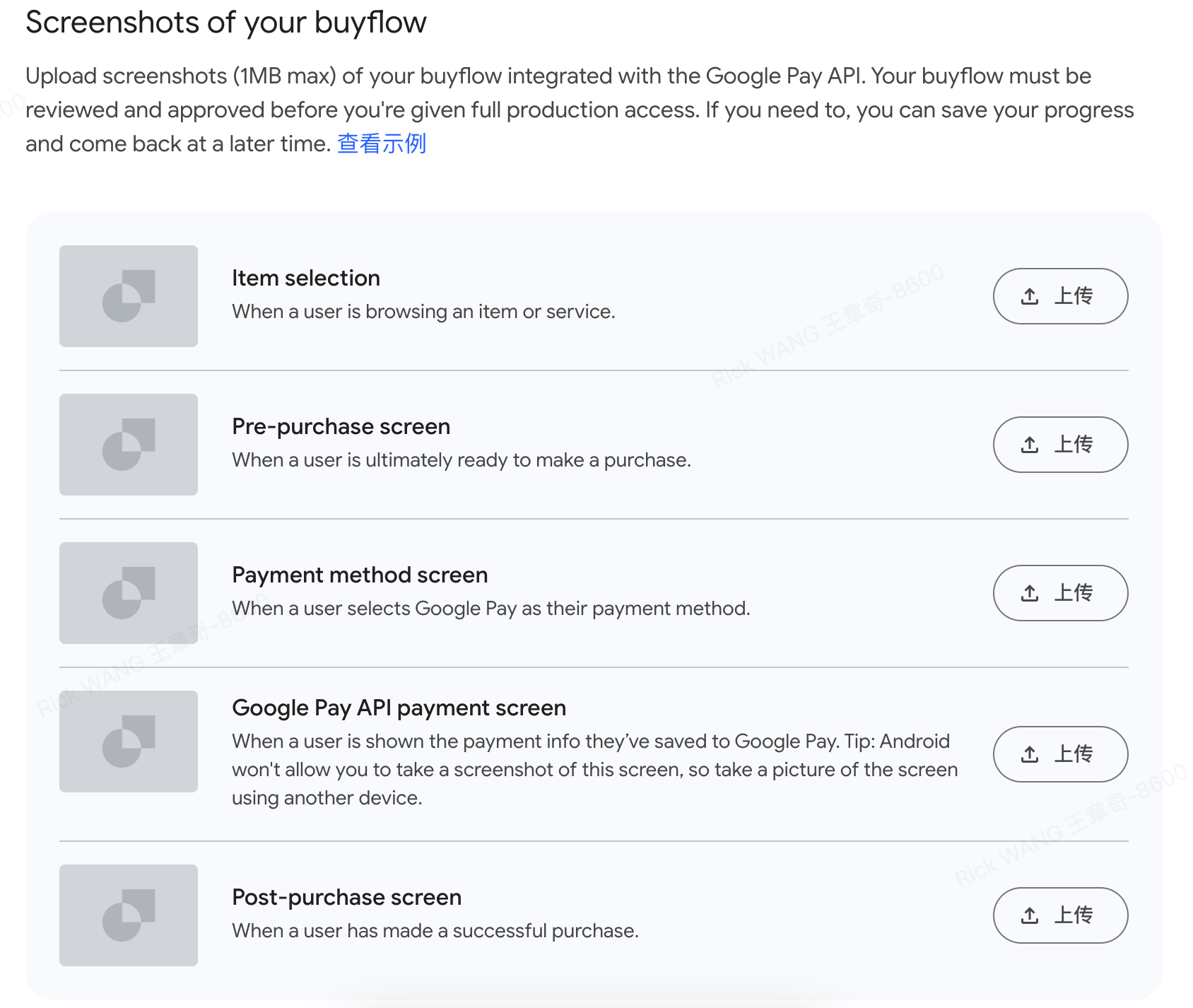
For Drop-in integration, merchants need to provide the following information so that our team can register the merchant in the Google Pay API Console.
- Merchant website domain.
- Checkout flow: View Example
LinkPay Integration
For LinkPay integration, merchant do not need to provide additional information. Google Pay can be enabled directly through backend configuration by our team.
Payment Flow
When Google Pay is enabled, the payment process is as follows:
- The customer selects Google Pay on the payment page.
- The Google Pay payment sheet appears showing card saved in the customer's Google Account.
- The customer selects a card and confirms the payment.
- Google Pay securely returns a payment token to Evonet.
- Evonet processes the payment and returns the payment result.
Updated 6 months ago